© 2026 MightyGiant
© 2026 MightyGiant
FAQs
FAQs
FAQs
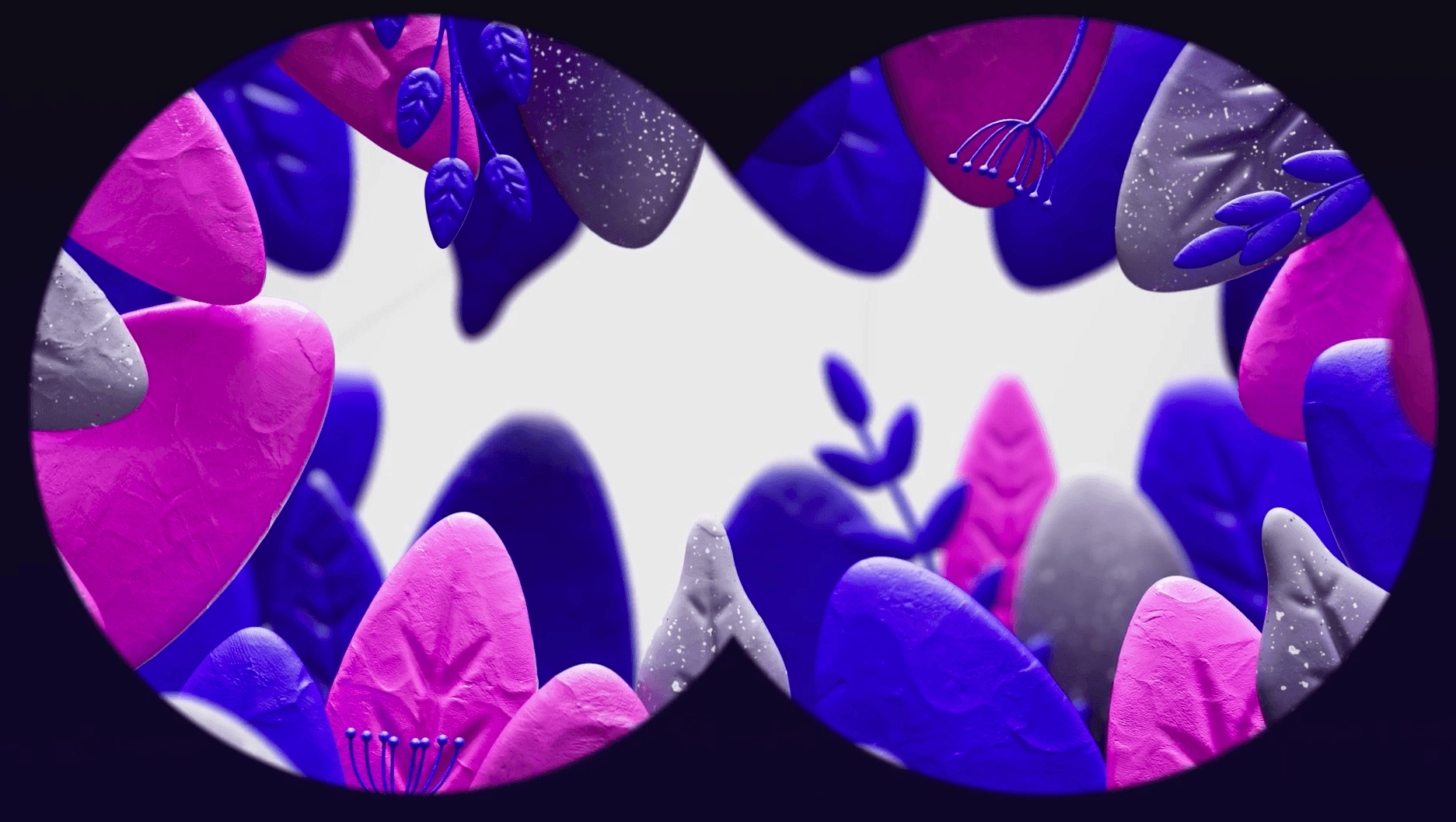
A glossary of terms and phrases used in Motion Design and Animation
A glossary of the terms and phrases used in Motion Design and Animation, including 2D and 3D animation, animatics, art direction, easing, look development, moodboards, rendering, rigging, stop motion, storyboards, style frames and WIPs, explained in plain English by the MightyGiant team.
2D Animation and 3D Animation.
A good starting point, and something we've done a whole post about which you can read here.
Generally speaking though, think of 2D as flat and drawn = The Simpsons. 3D as your Toy Story look. They can cross over into one another, but they have different techniques and reasons for using them.
Art Direction
The decision making process behind the look of the Animation. Generally from either a Creative Director, or an Animation Director, this is the bit where we get to put our creative stamp on the project.
Greyscale/Clay renders
These are technical terms for the early stages of a 3D animation. It takes time to set up lighting and textures, which is crucial for the final production. But in early stages we will often keep them grey (or looking like clay models) to speed up this part of the production.Rendering
Moodboards
Another part of the Look-dev; sourcing imagery, examples, previous projects, inspiration, sketches. It allows us to quickly get any idea of what we want it to look like, and what the client wants it to look like. Once we have this in place we can confidently look at Style Frames.
Rendering
This is the 'putting the cake in the oven' stage, generally a bigger issue in 3D projects. The more complex the project, the longer it takes to render. Simple flat objects can be done in minutes. Big glassy things, or amazingly, very hairy things can take hours, or even days!
Stop Motion
Sometimes called Frame by frame, this is probably the original form of animation.
Style Frames
With Moodboards and Look-Dev in place, we can start to build real life scenes, and show 'style-frames' of what the final piece will look like. These will often be done early as the early WIPs (see later) won't look like the final piece. Having style frames set means we get a better picture of it as a whole.
Animatic
The storyboard (mentioned later) is the king of an Animation or Motion Design project. When you start to move towards production, the Animatic becomes crucial. This is the storyboard paced out to the music or the voice, or both. Sometimes there will be very blocky simple animation in there too, but it's a key point where we can all start to get an idea of the pace and duration of the project.
Easing / Easy-ease
When things move, then stop, they need to have a way of doing this. Some character and personality. Sometimes this will be an abrupt halt. Sometimes it will gradually 'ease' into position. Hence "easing". The "easy-ease" being the king of these moves. It's a crucial part of animation. The great animations always master this skill.
Look Development
Sometimes referred to as Look-dev. Moodboards play a big part of this, but we might also use some modelling or sketches at this point. This isn't about the animation or movement. As the title suggests, this is about getting the feel and atmosphere.
Production Plan
A key part of any creative project, the Production Plan is there to allow anyone associated with it to know when they need to a) do the work or b) see the work and feed back. So ti works for both the MG team and our clients.
Rigging
You may here this if you're working on a 3D character project. The Rig is essentially the bones, the structure, the skeleton. Imagine a 3D toy. It could be a lump of clay and static. If you want it to move you need to give it bones, and to join those bones together with hinges, ball and socket.
That's what we do in 3D when we are 'rigging'. Taking a static model and adding in the tools that mean we can animate it.
Storyboards
Working from the script/project scope, this is bascially the instructions for the animators. We work from frame to frame, filling in the movement inbetween. It's also a stage that allows clients to see how the narrative will play out and make comments before we get into production.
WIP (Work in Progress)
Each time the client gets to see the project, we call it a WIP. You'll get WIP 1, WIP 2, WIP 3 etc, allowing feedback and amends along the journey. The amount of WIPs the project has is something we set at the outset when planning the production plan.
2D Animation and 3D Animation.
A good starting point, and something we've done a whole post about which you can read here.
Generally speaking though, think of 2D as flat and drawn = The Simpsons. 3D as your Toy Story look. They can cross over into one another, but they have different techniques and reasons for using them.
Animatic
The storyboard (mentioned later) is the king of an Animation or Motion Design project. When you start to move towards production, the Animatic becomes crucial. This is the storyboard paced out to the music or the voice, or both. Sometimes there will be very blocky simple animation in there too, but it's a key point where we can all start to get an idea of the pace and duration of the project.
Art Direction
The decision making process behind the look of the Animation. Generally from either a Creative Director, or an Animation Director, this is the bit where we get to put our creative stamp on the project.
Easing / Easy-ease
When things move, then stop, they need to have a way of doing this. Some character and personality. Sometimes this will be an abrupt halt. Sometimes it will gradually 'ease' into position. Hence "easing". The "easy-ease" being the king of these moves. It's a crucial part of animation. The great animations always master this skill.
Greyscale/Clay renders
These are technical terms for the early stages of a 3D animation. It takes time to set up lighting and textures, which is crucial for the final production. But in early stages we will often keep them grey (or looking like clay models) to speed up this part of the production.Rendering
Look Development
Sometimes referred to as Look-dev. Moodboards play a big part of this, but we might also use some modelling or sketches at this point. This isn't about the animation or movement. As the title suggests, this is about getting the feel and atmosphere.
Moodboards
Another part of the Look-dev; sourcing imagery, examples, previous projects, inspiration, sketches. It allows us to quickly get any idea of what we want it to look like, and what the client wants it to look like. Once we have this in place we can confidently look at Style Frames.
Production Plan
A key part of any creative project, the Production Plan is there to allow anyone associated with it to know when they need to a) do the work or b) see the work and feed back. So ti works for both the MG team and our clients.
Rendering
This is the 'putting the cake in the oven' stage, generally a bigger issue in 3D projects. The more complex the project, the longer it takes to render. Simple flat objects can be done in minutes. Big glassy things, or amazingly, very hairy things can take hours, or even days!
Rigging
You may here this if you're working on a 3D character project. The Rig is essentially the bones, the structure, the skeleton. Imagine a 3D toy. It could be a lump of clay and static. If you want it to move you need to give it bones, and to join those bones together with hinges, ball and socket.
That's what we do in 3D when we are 'rigging'. Taking a static model and adding in the tools that mean we can animate it.
Stop Motion
Sometimes called Frame by frame, this is probably the original form of animation.
Storyboards
Working from the script/project scope, this is bascially the instructions for the animators. We work from frame to frame, filling in the movement inbetween. It's also a stage that allows clients to see how the narrative will play out and make comments before we get into production.
Style Frames
With Moodboards and Look-Dev in place, we can start to build real life scenes, and show 'style-frames' of what the final piece will look like. These will often be done early as the early WIPs (see later) won't look like the final piece. Having style frames set means we get a better picture of it as a whole.
WIP (Work in Progress)
Each time the client gets to see the project, we call it a WIP. You'll get WIP 1, WIP 2, WIP 3 etc, allowing feedback and amends along the journey. The amount of WIPs the project has is something we set at the outset when planning the production plan.
2D Animation and 3D Animation.
A good starting point, and something we've done a whole post about which you can read here.
Generally speaking though, think of 2D as flat and drawn = The Simpsons. 3D as your Toy Story look. They can cross over into one another, but they have different techniques and reasons for using them.
Animatic
The storyboard (mentioned later) is the king of an Animation or Motion Design project. When you start to move towards production, the Animatic becomes crucial. This is the storyboard paced out to the music or the voice, or both. Sometimes there will be very blocky simple animation in there too, but it's a key point where we can all start to get an idea of the pace and duration of the project.
Art Direction
The decision making process behind the look of the Animation. Generally from either a Creative Director, or an Animation Director, this is the bit where we get to put our creative stamp on the project.
Easing / Easy-ease
When things move, then stop, they need to have a way of doing this. Some character and personality. Sometimes this will be an abrupt halt. Sometimes it will gradually 'ease' into position. Hence "easing". The "easy-ease" being the king of these moves. It's a crucial part of animation. The great animations always master this skill.
Greyscale/Clay renders
These are technical terms for the early stages of a 3D animation. It takes time to set up lighting and textures, which is crucial for the final production. But in early stages we will often keep them grey (or looking like clay models) to speed up this part of the production.Rendering
Look Development
Sometimes referred to as Look-dev. Moodboards play a big part of this, but we might also use some modelling or sketches at this point. This isn't about the animation or movement. As the title suggests, this is about getting the feel and atmosphere.
Moodboards
Another part of the Look-dev; sourcing imagery, examples, previous projects, inspiration, sketches. It allows us to quickly get any idea of what we want it to look like, and what the client wants it to look like. Once we have this in place we can confidently look at Style Frames.
Production Plan
A key part of any creative project, the Production Plan is there to allow anyone associated with it to know when they need to a) do the work or b) see the work and feed back. So ti works for both the MG team and our clients.
Rendering
This is the 'putting the cake in the oven' stage, generally a bigger issue in 3D projects. The more complex the project, the longer it takes to render. Simple flat objects can be done in minutes. Big glassy things, or amazingly, very hairy things can take hours, or even days!
Rigging
You may here this if you're working on a 3D character project. The Rig is essentially the bones, the structure, the skeleton. Imagine a 3D toy. It could be a lump of clay and static. If you want it to move you need to give it bones, and to join those bones together with hinges, ball and socket.
That's what we do in 3D when we are 'rigging'. Taking a static model and adding in the tools that mean we can animate it.
Stop Motion
Sometimes called Frame by frame, this is probably the original form of animation.
Storyboards
Working from the script/project scope, this is bascially the instructions for the animators. We work from frame to frame, filling in the movement inbetween. It's also a stage that allows clients to see how the narrative will play out and make comments before we get into production.
Style Frames
With Moodboards and Look-Dev in place, we can start to build real life scenes, and show 'style-frames' of what the final piece will look like. These will often be done early as the early WIPs (see later) won't look like the final piece. Having style frames set means we get a better picture of it as a whole.
WIP (Work in Progress)
Each time the client gets to see the project, we call it a WIP. You'll get WIP 1, WIP 2, WIP 3 etc, allowing feedback and amends along the journey. The amount of WIPs the project has is something we set at the outset when planning the production plan.
Our Socials
Our Socials
© 2026 MightyGiant. All rights reserved.
© 2026 MightyGiant. All rights reserved.
© 2026 MightyGiant. All rights reserved.