How to create a paint effect in After Effects Animation.
Colour Theory

Lead Animator
Colour Theory
Lead Animator
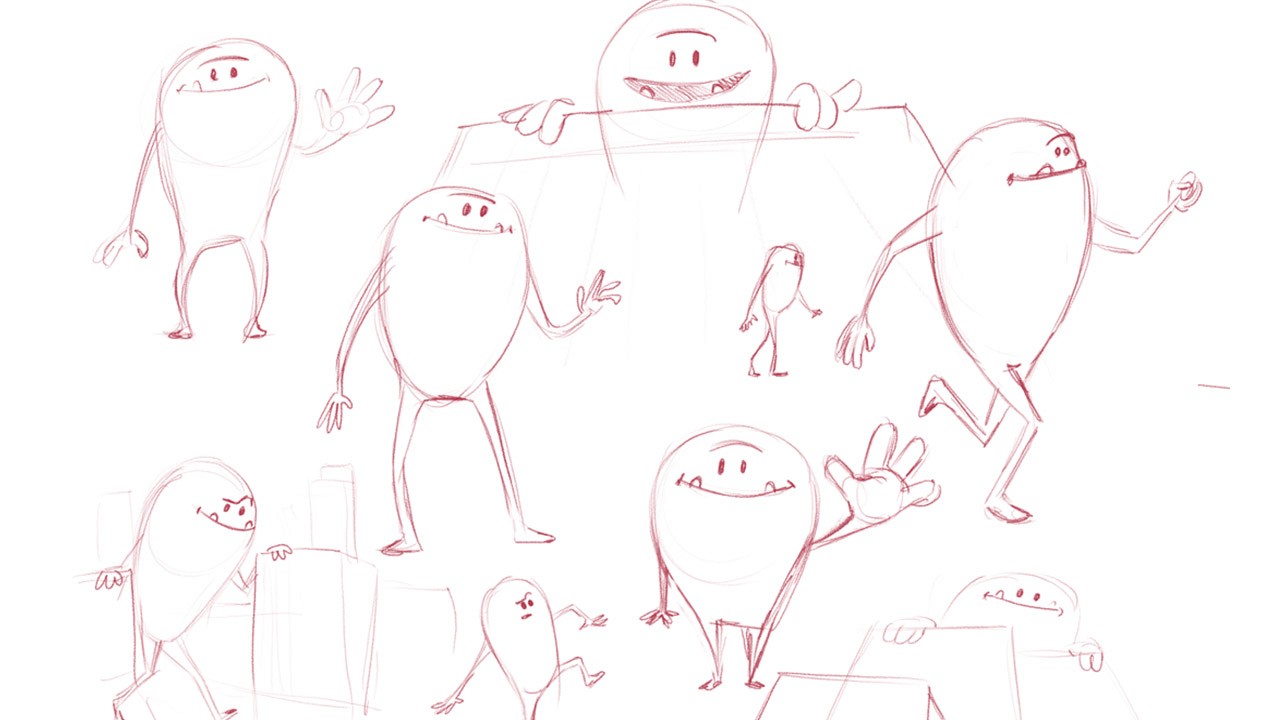
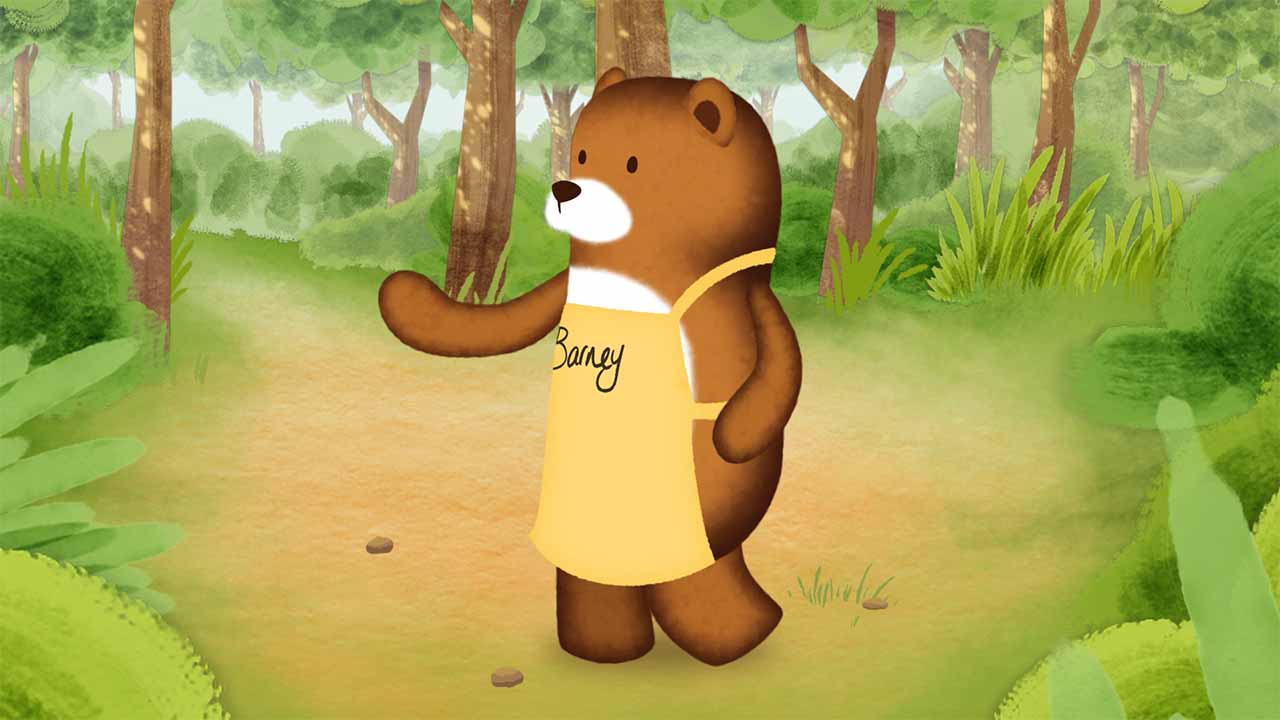
We’ve just finished a TV Commercial for Ponderosa and the food brand Sweet Freedom. The advert sees the characters the brand has on their bottles come to life. With the initial illustrations having a painted/textured look. we had to look into a way to translate this into the animation. Not as easy as we first thought.
The availability of writing services adds a valuable dimension to the educational landscape.
These services, such as hausarbeit ghostwriter agentur not only aid students in meeting deadlines but also provide insights into effective writing techniques.
They serve as a supplement to classroom learning, offering a different perspective and enhancing the overall educational experience.
Here’s my tips for any After Effects users wanting to do the same.
Initially we intended to use Photoshop to recreate the animals, but at this early stage we weren’t sure exactly what the characters would be required to do once we began animating. With this in mind we looked at a way of achieving a painted look, using basic vector shapes within After Effects.
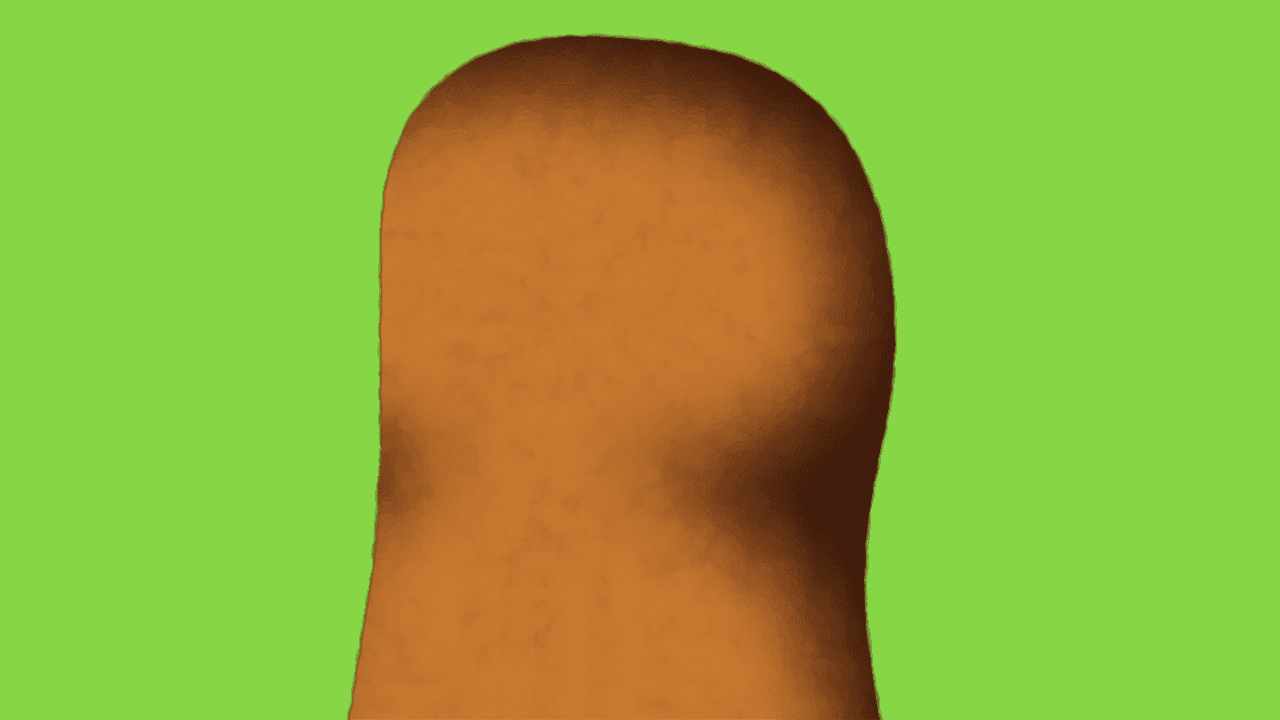
For the main body sections, we just needed to get a nice soft edge to the characters. To achieve this we used a Gaussian Blur to soften the shape, then a Roughen Edges to add some sketchiness to the outline, and finally a CC Vector Blur to give a nice, soft finish.
For the limbs this was mostly the finished look, obviously the blurs and effects needed tweaking for each part, but the general idea was the same for every part of the designs. The addition of the CC Vector Blur takes the edge off the edges created by the noises and roughen, which can look a bit too obvious on their own.
The final stage of this character was their white belly. Again we used Gaussian Blur with a Turbulent Noise. Placed over the coloured torso, it blends in nicely.
On many projects, even the smallest details might need tweaking. Lighting and textures in 3D software can affect colour. When a brand demands the colour to match, we now have this flexibility. We had this recently on a project for a well known games company (that uses symbols on it’s controllers!). Matching these colours was key, and this technique allowed us to do this.
Overall we feel that this R&D project was a great success on multiple levels. It refined our workflow by streamlining the 3D to Post production process, and maintained the quality of the animation. Consequently the efficiencies gained using this method would only increase the productivity for the final delivery to the client, which can only be a win win for all. Now that there’s a tried and tested workflow in place, we’ll definitely be exploring this system more and seeing if there’s any more developments to be gained.